
The Inventory Configuration Sheet is part of the Inventory & Listings configuration file. It is used to set up product costs, product attributes and views inventory levels.
In order to set your cost structure and calculate floor prices in the Listings Sheet, you must input your cost on the Inventory Sheet.
The mandatory column (Identifier) on the Inventory Sheet is SKU
The Inventory sheet consists of:
- Product Identifiers
- Inventory Quantity breakdown
- Product Attributes
- Is Replenishable
Product Identifiers
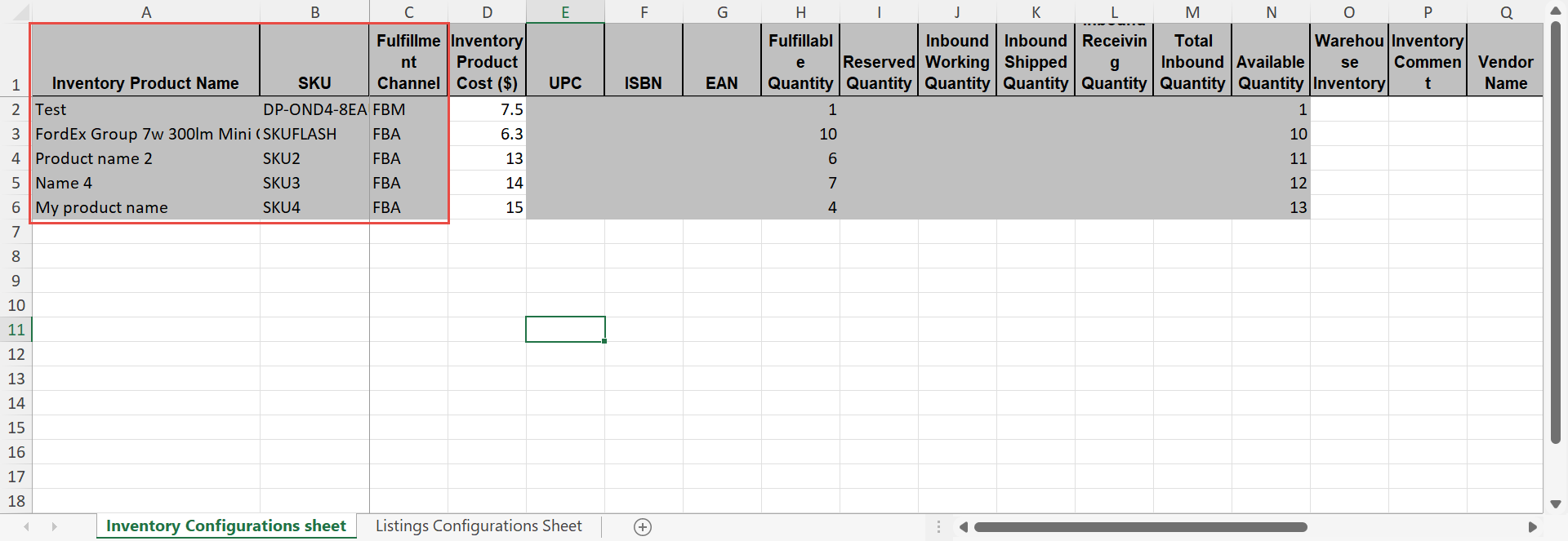
This data is pulled directly from Amazon, and so it is grayed out (read-only)
Inventory Product Cost ($) (Column D) - This value will be populated in the Listings Sheet.
This is an absolute value, regardless of the currency, as Feedvisor does not perform currency conversions on costs.

Inventory Quantity breakdown
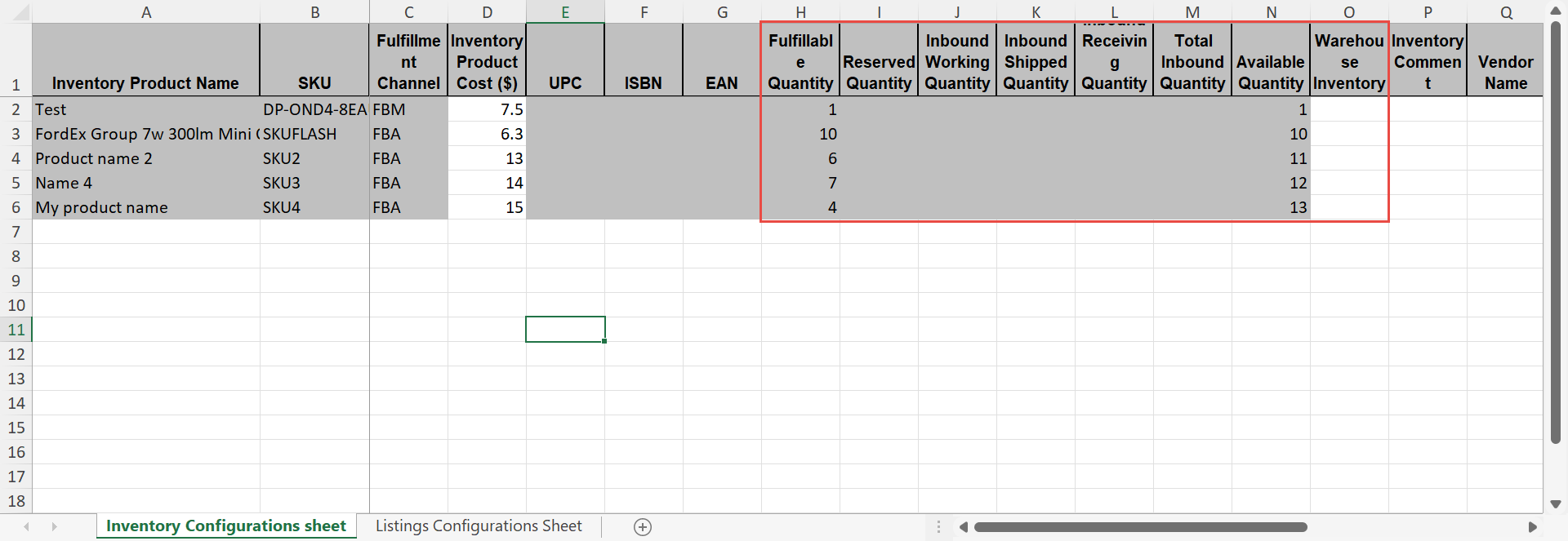
These columns display the total amount of inventory in different states per SKU.
Click here to learn more about the different inventory states in Amazon, and how they are displayed in Feedvisor
Warehouse Inventory - you can update the number of items you have in your own warehouse.
This amount is added to the Total quantity in the Replenish Report - the warehouse inventory will also be translated to Days of coverage and be taken into account when recommending the quantity to order.

Product Attributes
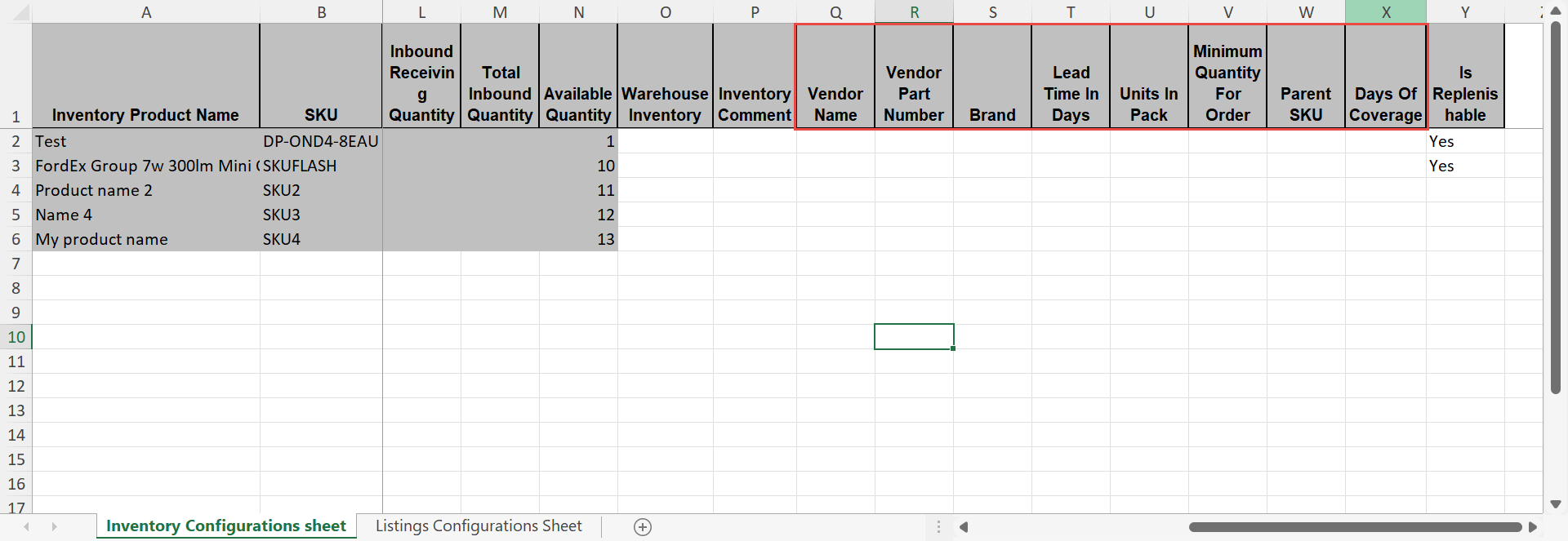
These attributes will be also populated on the Product Slider.

Is Replenishable
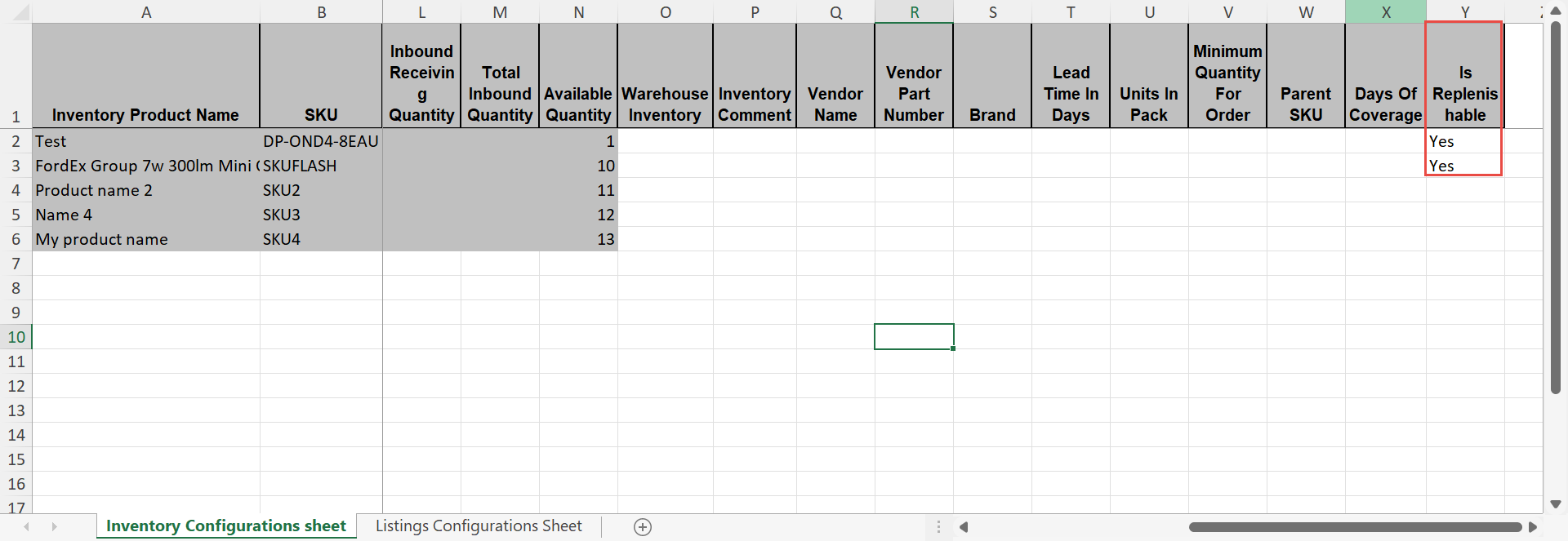
If "NO" is selected, the item will no longer appear in the Replenish Report

Comments
0 comments
Please sign in to leave a comment.